 Abeer Arora
 Backups are crucial for protecting information from data corruption, hardware failure, cyberattacks, and human error. But keeping an eye on them manually is such a difficult job to perform. A DBA shouldn’t have to spend every day checking whether yesterday’s backup actually ran. That’s where automation comes in. Automation can help remove another repetitive backup task from the DBA’s workflow. Automated database backup software for DBAs can make the job easier by handling recurring backup jobs.
As a result, a database administrator can focus entirely on monitoring and recovering the database whenever needed.
A dedicated database backup & restore tool can help you schedule backups, manage backups and restores, encryption, and more in a single interface.
But not every tool offers the same level of features and data protection. So, what exactly should a DBA look for? Let’s find out.
Why Do DBAs Need Automated Database Backup Software?
Backing up the database is not the only job that a DBA performs; they are also responsible for managing database backup performance, access control, restoring databases, upgrades, and much more. To reduce the workload and repetitive jobs, DBAs can automate database backups using a third party tool.
Therefore, automated database backup software for DBAs becomes important when:
- Managing backups across multiple databases
- Maintaining recurring schedules
- Keeping track of backup failure jobs
- Managing storage space
- Removing old backups to free up space
- Protecting backup files with more password protected
- Checking whether backups completed or not
- Maintaining recovery readiness so that the data can be recovered at the time of a mishap
In short, the problem isn’t creating one backup. It’s making sure hundreds of backup jobs keep working without constant attention.
Top 5 Automated Database Backup Software for DBAs
1. Prapl SQL Backup Tool:

Prapl SQL Backup Tool is a Windows-based automated application that supports 10+ database engines, including SQL Server, PostgreSQL, MySQL, MariaDB, MongoDB, Oracle, SQLite, and more.
For DBAs, this software provides a way to configure database connections, select single or multiple databases in one go, choose backup destinations, and create scheduled jobs. Moreover, it allows you to store the backup either locally, on an external hard drive, on NAS storage, or in supported cloud and remote destinations.

It comes with a free version with complete functionality, so that DBAs can use it before moving further. The tool also provides features such as backup retention, compression, AES-256-GCM encryption, email notifications for failed jobs, backup history, and restore capabilities. In short, it is a go-to solution that makes it useful for DBAs who need to manage backup jobs across different database environments from a single interface.
2. SQL Backup Master
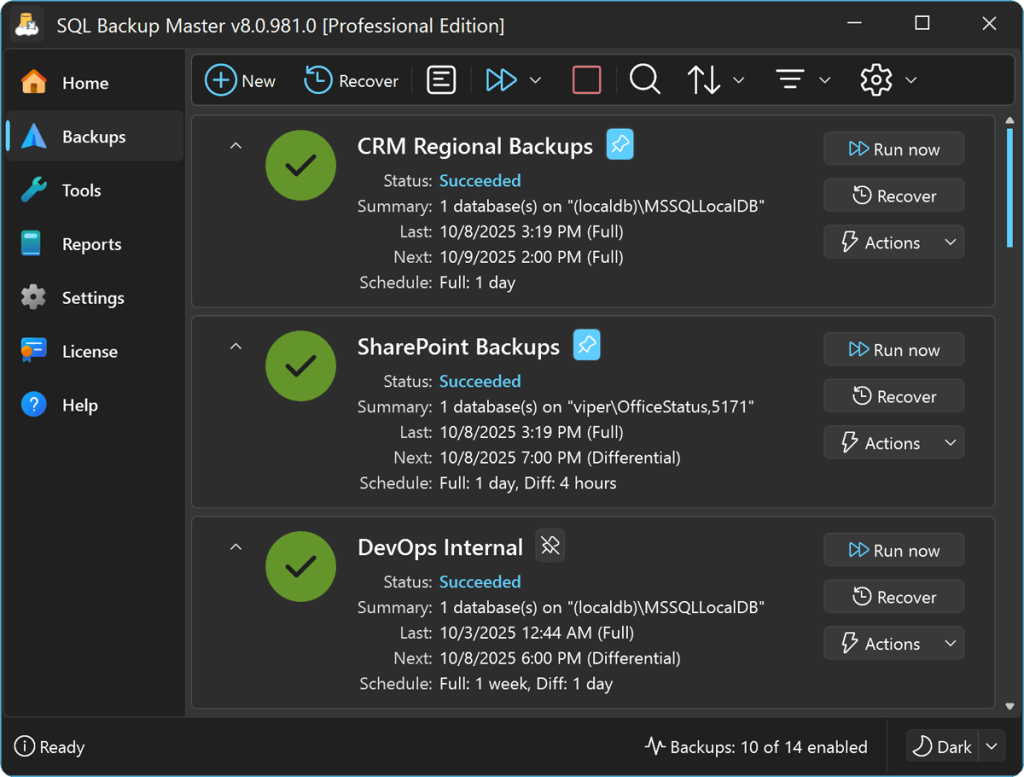
SQL Backup Master is another software option that DBAs can go for. It is primarily focused on Microsoft SQL Server database backups. With this tool, DBAs can create scheduled backup jobs and save backup files to locations such as local folders, network drives, NAS, FTP, and SFTP.
3. SQL Backup And FTP
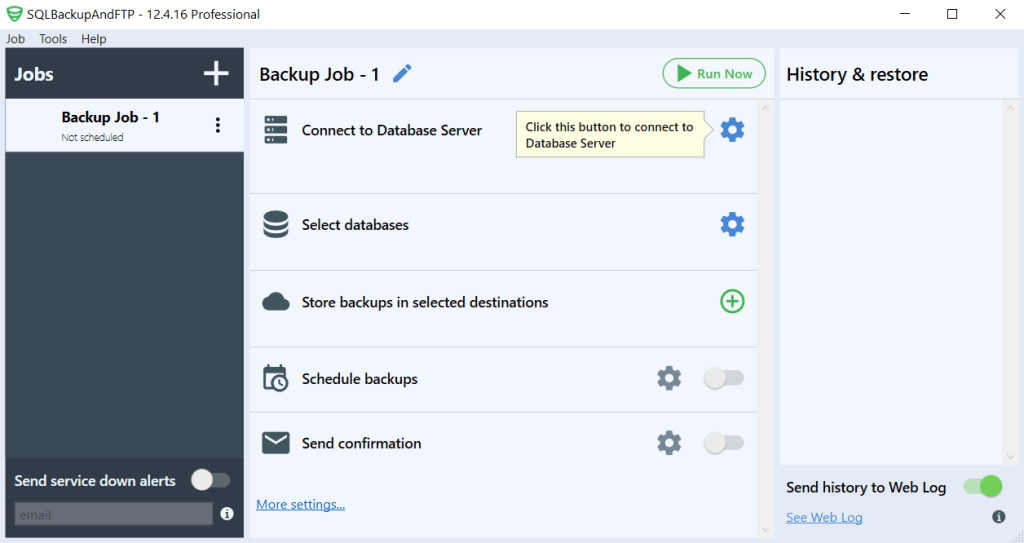
SQL Backup and FTP is also an option to go for. It is designed for database backup management across SQL Server, MySQL, and PostgreSQL. DBAs can use this database-focused tool, making it appropriate for settings where administrators deal with multiple databases.
4. Zmanda
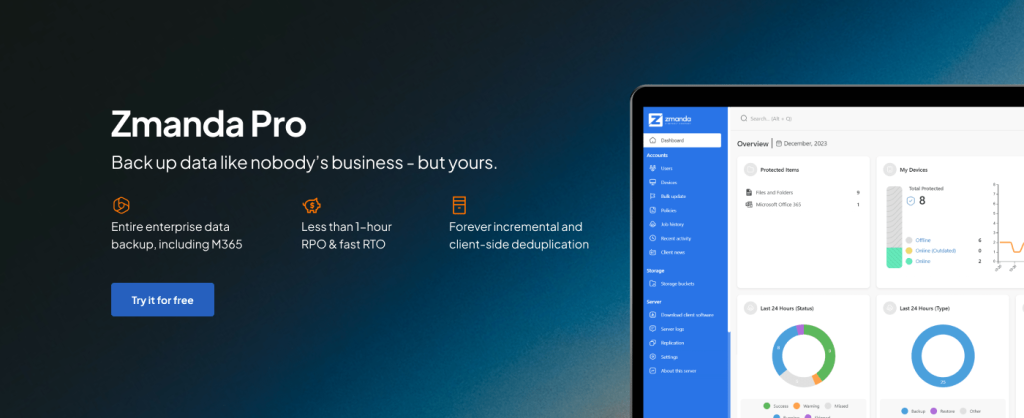
Zmanda is a backup and recovery software for DBAs that supports database workflows alongside other IT infrastructure. This tool supports Microsoft SQL Server, MySQL, PostgreSQL, and MongoDB for creating backup jobs. Therefore, for data administrators working within larger IT teams, this tool can help bring database security into a wider backup and disaster recovery strategy.
5. Handy Backup
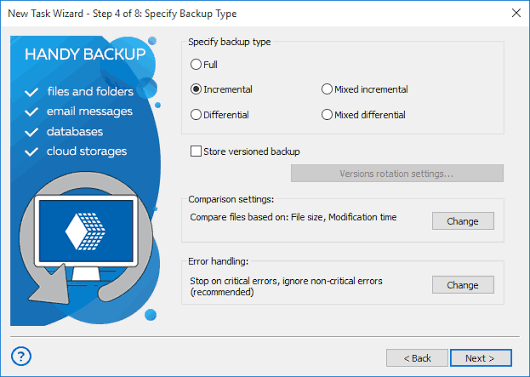
Handy Backup application is another automated tool for database administrators. In simple terms, it is a general-purpose backup application that supports databases as well as files, folders, disk images, and other data sources. As a result, DBAs can choose among storage alternatives such as local disks, external storage, NAS, network folders, FTP/SFTP, and supported cloud services while also configuring periodic backup tasks.
How to Automate Database Backups With Prapl?
Firstly, launch and run the Prapl SQL backup software on your Windows machine. Then, connect to your database engine as required.
Fill in the necessary login and database connection details. Also, choose which databases you want to protect or run a backup for, and click the Continue button.

As needed, select local storage, NAS, or another supported destination to store the backup file.

Choose the appropriate backup options for your database, and set the frequency of the backup to automate the task. Finally, click the Save and Run Now option to automate and initiate the process.

What Are the Common Mistakes DBAs Should Avoid?
Here is the list of mistakes that a DBA should avoid while choosing automated database backup software:
- Creating backups but never testing restoration once the backup job is done
- Keeping all backup copies on the same server as the primary database
- Ignoring failed backup notifications when the software sends alerts
- Keeping unlimited old backups that start eating up the storage space
- Choosing schedules without considering database activity, such as new data updates
- Running out of storage and not keeping an eye on it
- Forgetting to protect backup credentials
Conclusion
For any data administrator, the goal isn’t simply to create more backups, it’s to make the entire backup job easy and reliable. Therefore, a dedicated automated database backup software for DBAs should reduce repetitive work. So that DBAs get the more visibility and control over schedules, storage, retention, security, and recovery.
If you’re evaluating software, make sure to focus on the features that match your database environment and recovery requirements rather than choosing a tool based on automation alone.
Prapl SQL database backup tool is worth considering for free, with its fully functional features.